

What to install
Desktop apps
Desktop builds are published at releases.cortex.foundation. Install the build for your platform, open it, and sign in when the app asks — it is the same account as the web app. There are two desktop apps because the two jobs are different:
Design’s working UI is a third, separate desktop app; Chat and Code can still host a canvas that you then open there.
Open releases.cortex.foundationWhat desktop adds
The CLI
The CLI is one binary,cortex, installed from software.cortex.foundation. The installer verifies a SHA-256 checksum before it writes anything.
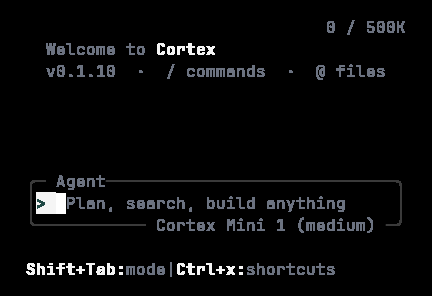
What a fresh install shows, even in a 40-column terminal: Welcome to Cortex, the coding agent CLI, and the empty composer.
Updating
Next
- Desktop app — what This PC and SSH add for Code.
- Bot desktop — the app built around agents, routines, and channels.
- Design desktop — the working UI for canvases.
- Install the CLI — checksums, version pins, and channels.